Where did my photos go? Downloading your digital images
Oh happy day! Your gallery was just delivered from your recent photo session! You click the link and look through, trying to decide which are your favorites. You begin to download some of the images onto your phone, but wait! Where did they go?
First, I advise that you download your images onto a computer. This will give you the best quality and image size for printing! Though I know we have busy lives and our phones are basically our lifelines, and many opt to download right to their phones (our phones are now amazing and fully capable of doing this).
If after you download your images on your phone you cannot locate them in your camera roll:
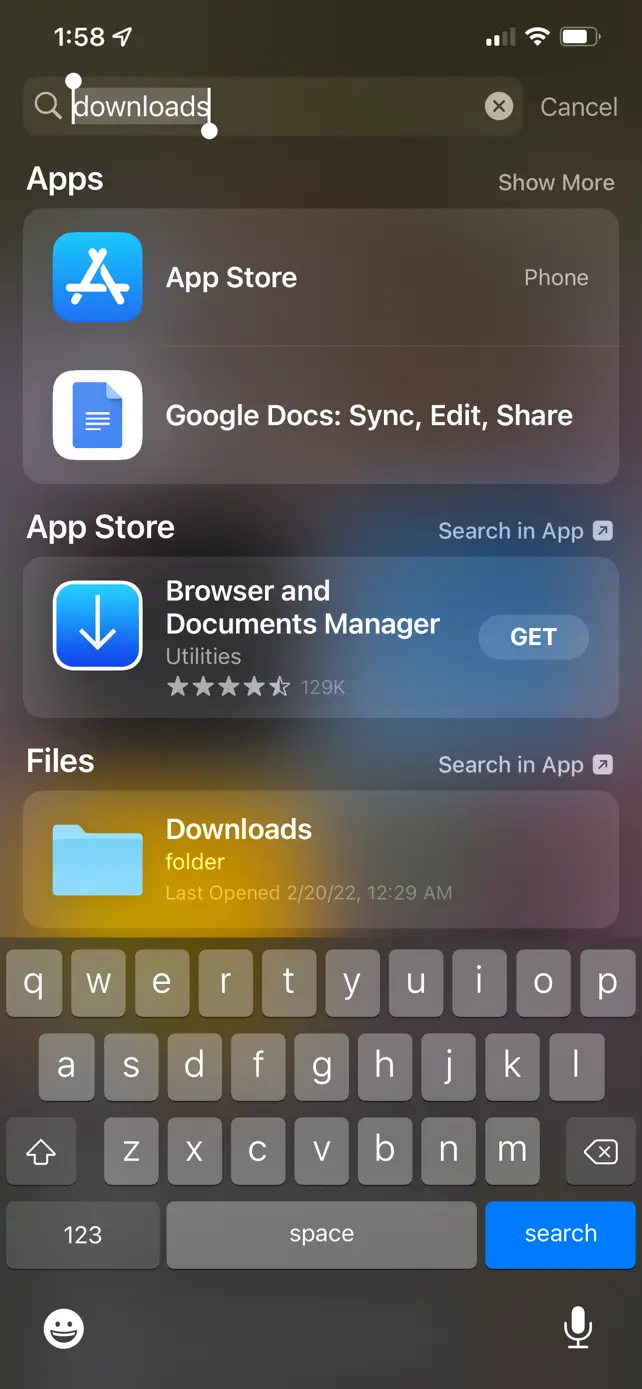
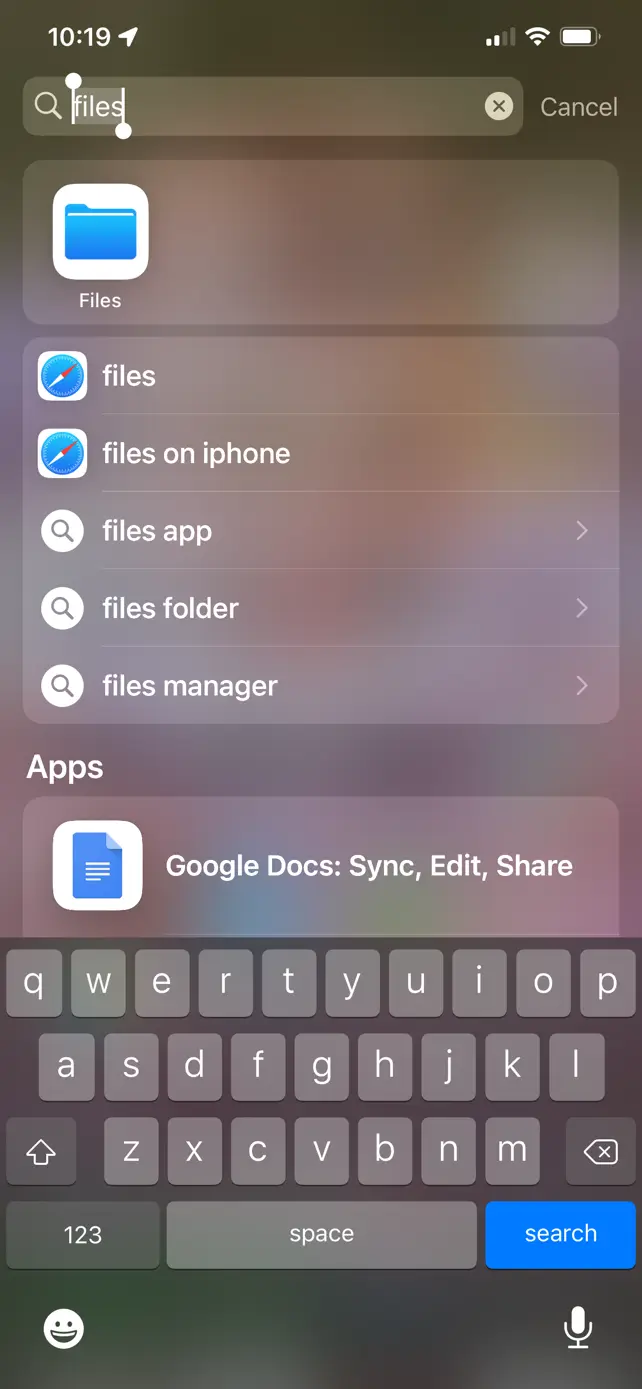
- Go to your phone’s search bar and search “files” or “downloads”.
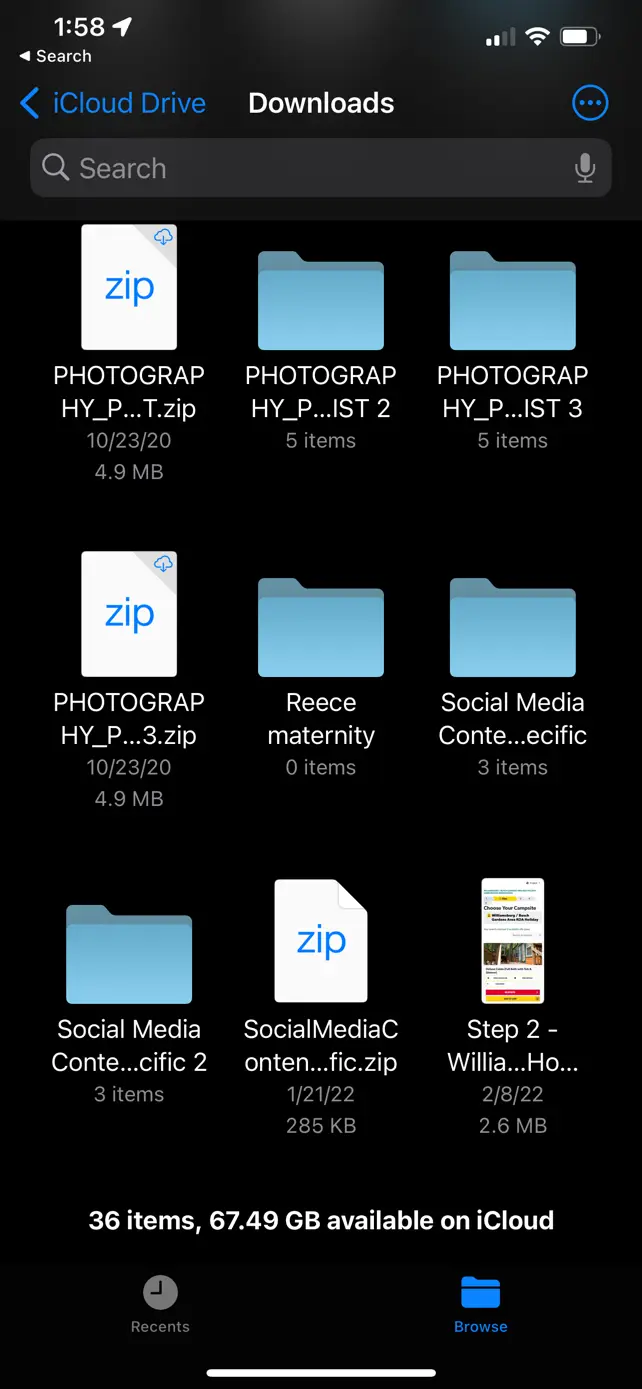
- Tap the Files icon. Once it opens, tap the three dots in the corner and sort by date.
- You should now see your photos. Tap the file and select Save image.
Your images should now be safely in your camera roll. This works on both iPhones and Androids.
I hope this helps with some in-the-moment panic, knowing you didn’t waste a download or lose your images! I hope to hear from you soon to schedule your next photo session!